ICCC 2025 · Sep — Oct 2025
Registration, scheduling and e-ticketing for a conference with one shot at getting it right
An event management platform for an international conference — admin dashboard for schedule, participants and resources, plus digital tickets for check-in.
Context
The International Conference on Counselling and Correctional Practices needed registration, a published schedule, participant management and check-in on the day. I built the platform across September and October 2025, for an event running the following month.
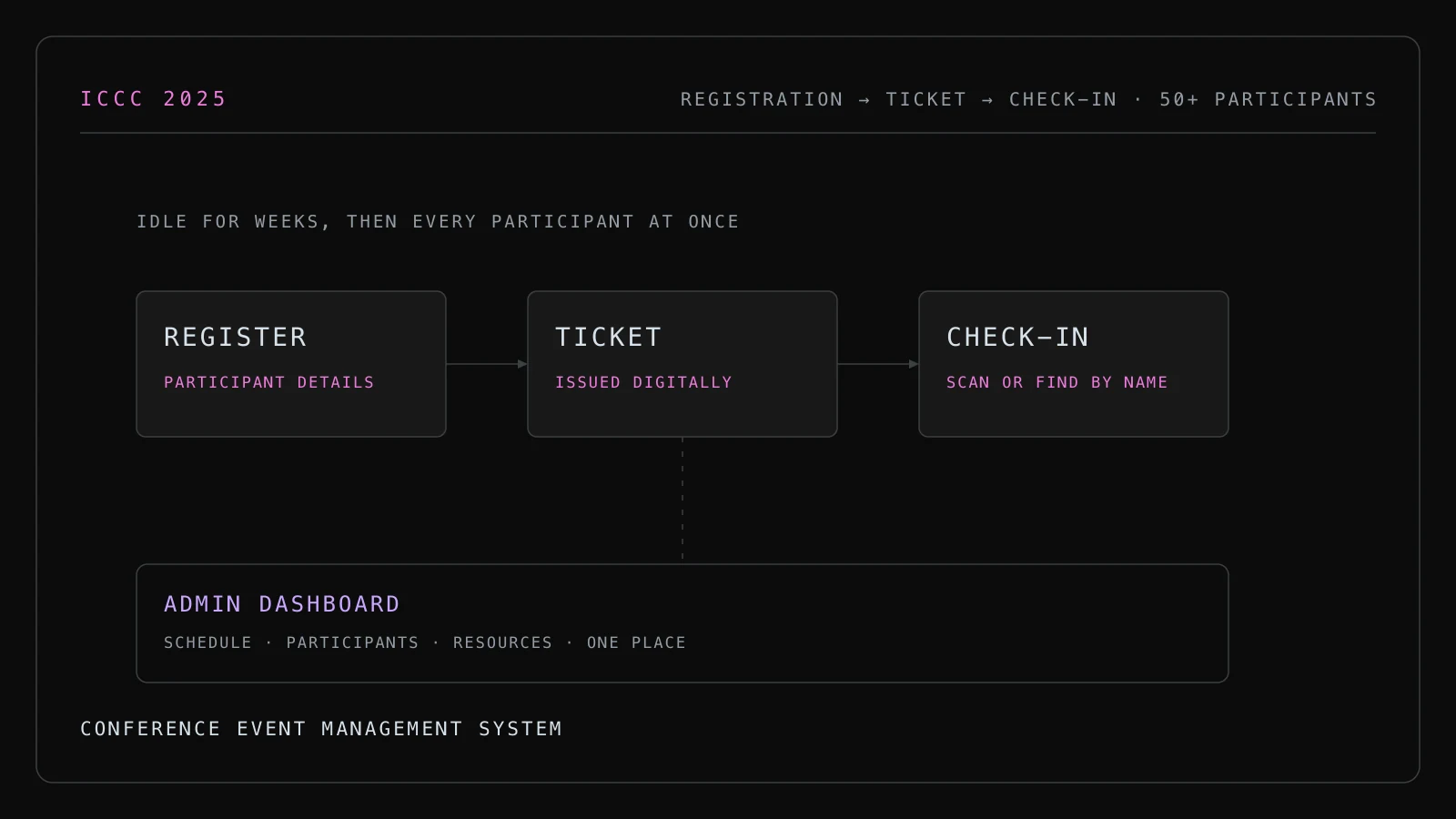
Conferences have an unusual failure profile for software. There is no gradual rollout and no second attempt. The system is idle for weeks, then every participant uses it within a twenty-minute window at the registration desk, and if it is slow or wrong at that moment there is a queue of people watching it happen.
Problem
Three things had to be true on the day. Every registered participant had to be findable. Check-in had to take seconds, not a minute. And the schedule people had been reading for weeks had to match what was actually happening in the rooms.
The weeks before the event have a different requirement: organisers need to change things. Sessions move, speakers withdraw, room assignments swap. The admin side had to make that easy for people who are not technical and are doing it between other jobs.
Approach
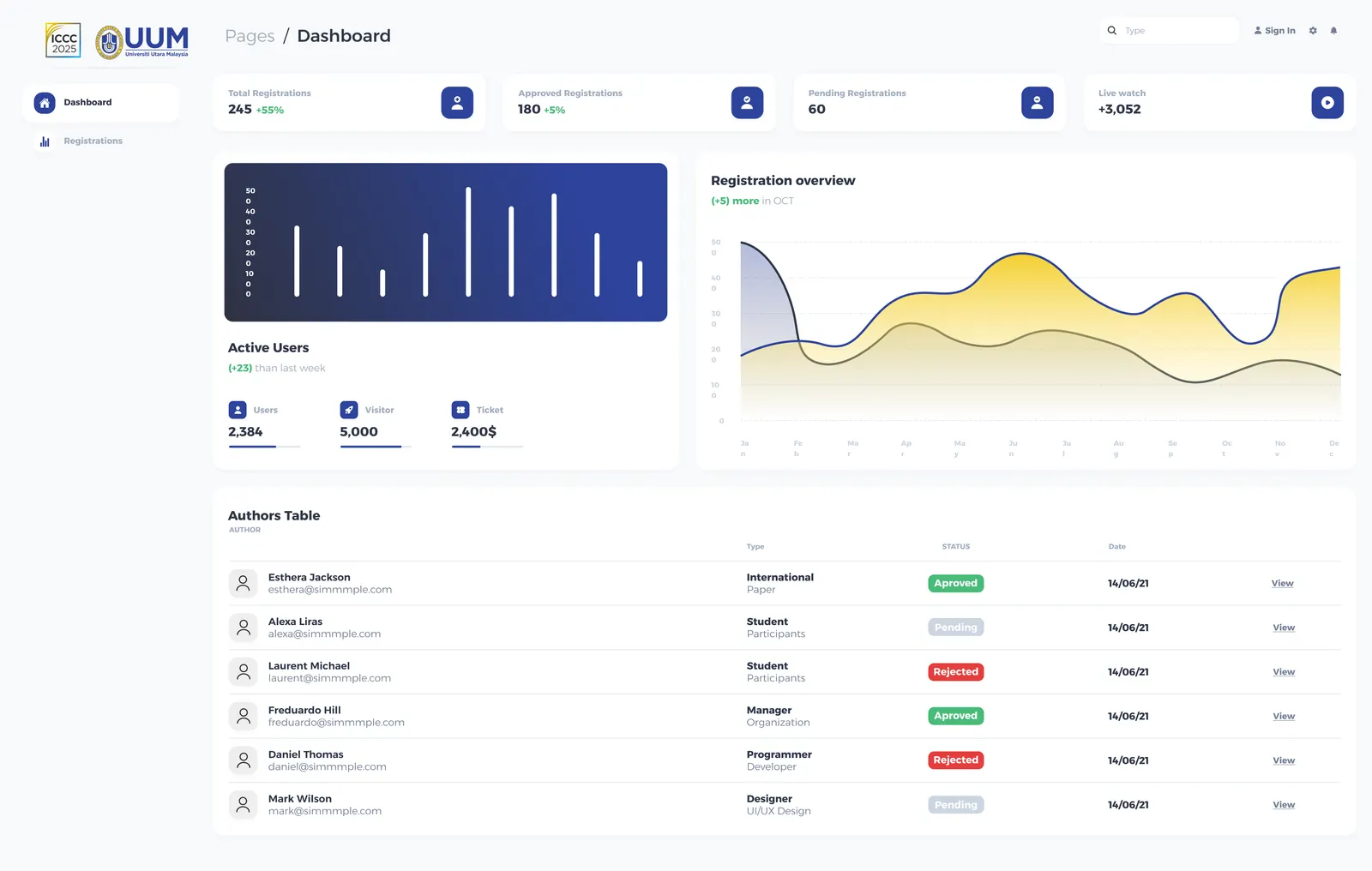
One dashboard for schedule, participants and resources. Organisers manage all three from the same place, because in practice they are the same task — moving a session means telling its participants and reassigning its room. Splitting them into separate tools would have meant doing one change in three places.
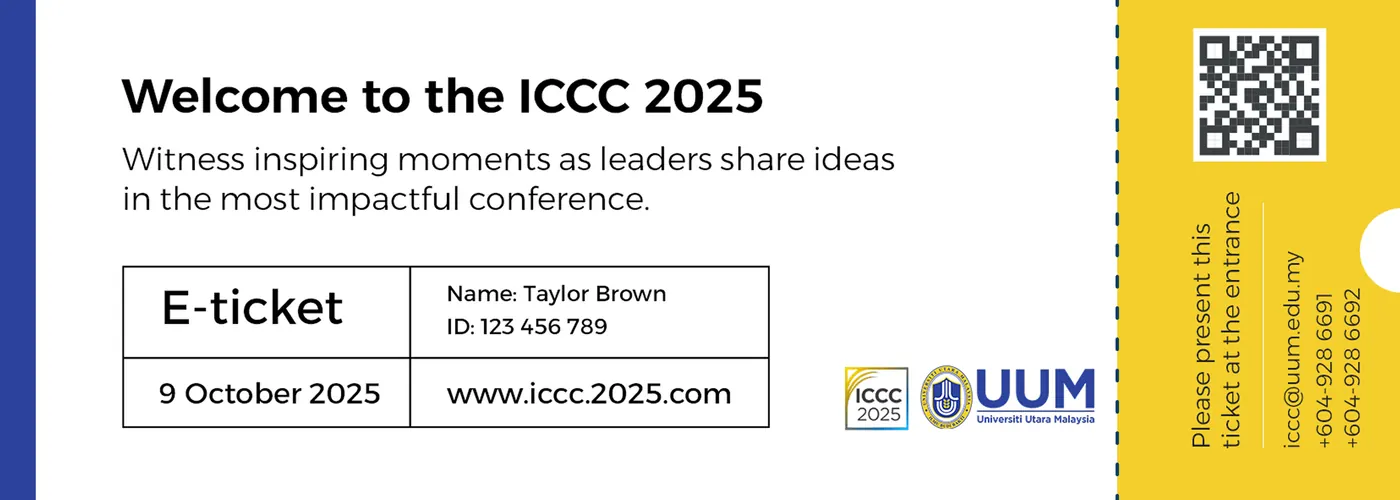
Tickets issued at registration, verified at the door. Each participant gets a digital ticket when they register. Check-in scans it and marks attendance. The scan path is deliberately the thinnest thing in the system: look up a ticket, mark it used, show a clear result. Nothing else runs on that request.
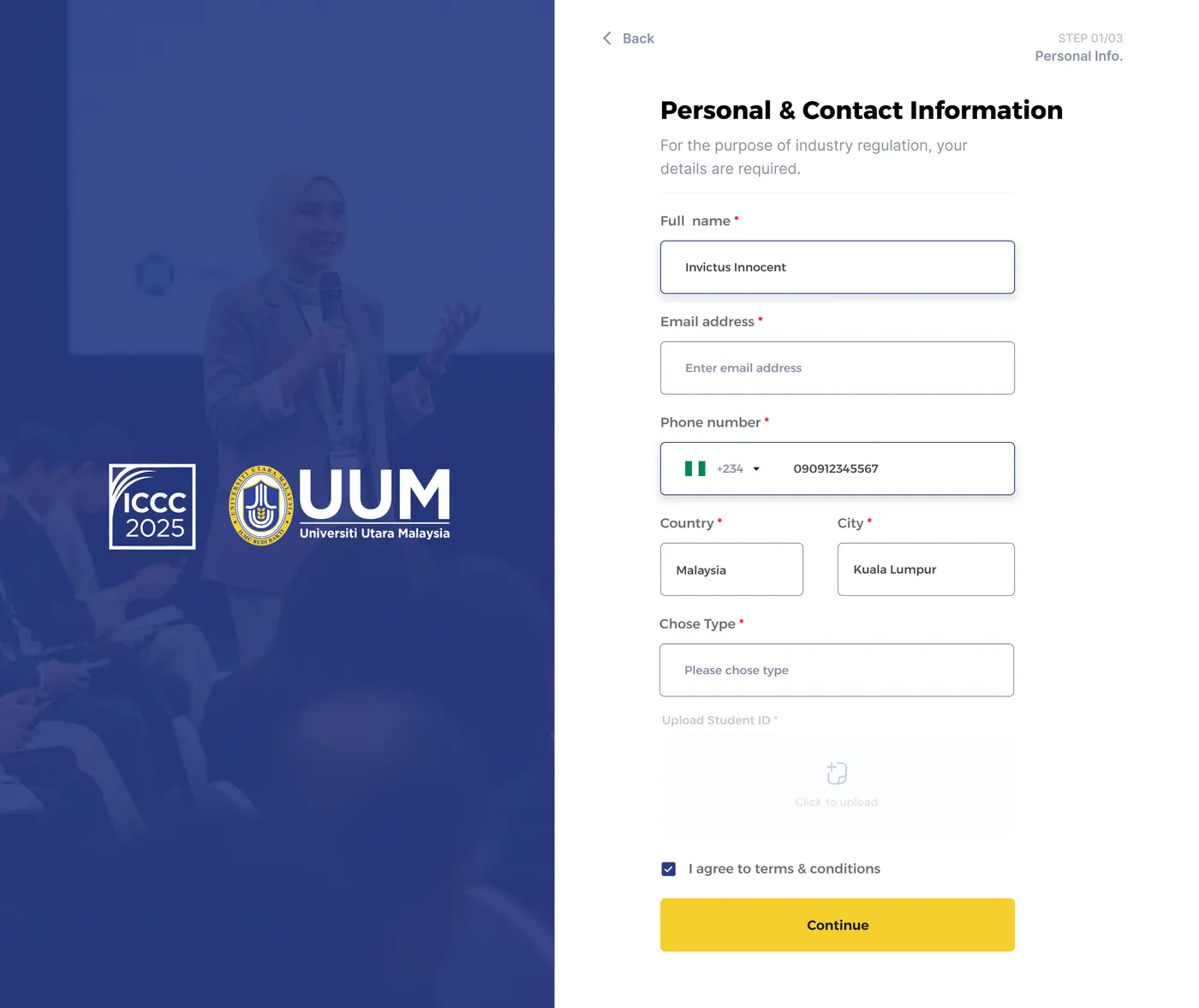
Check-in that degrades rather than blocks. Venue networks are unreliable and a registration desk cannot stop working because the connection did. Check-in tolerates a slow or interrupted connection and records the arrival, rather than showing an error and forming a queue. A staff member can also find a participant by name when a ticket is not to hand, which is the actual common case — people arrive having lost the email.
Schedule as published content. The participant-facing schedule is served as content that reads fast and stays readable on a phone in a corridor with no signal to spare, rather than as an application that has to boot before it can tell someone which room to walk to.
Decisions and trade-offs
A narrow feature set, finished. There was a list of things this platform could have done — abstract submission, peer review, certificates, a networking directory. In a six-week window before a fixed date, I would rather ship registration, schedule and check-in working properly than five features that are each nearly done. Some of what was left out would genuinely have been useful.
Name search alongside ticket scan. Strictly, the ticket is the credential and a name lookup is a weaker check. For a 50-person academic conference where staff recognise most attendees, the queue at the desk is the bigger risk than someone impersonating a delegate. Different event, different call.
Simple roles. Organiser and participant, nothing more granular. For a team of this size, a finer permission model would have been ceremony without benefit.
Result
The platform carried ICCC 2025 through registration, scheduling and check-in for 50+ participants. Organisers managed the schedule, participant list and resources from one dashboard, and digital tickets replaced a paper list at the door.
The build
Want the detail behind any of this? Email me.